You've typed the prompts. You've refined the prompts. You've hit dead ends. You unravelled the hallucinations. And now you have some working software that can ease some internal headaches or be used by a client. Congratulations!
But there's a bit of a problem.
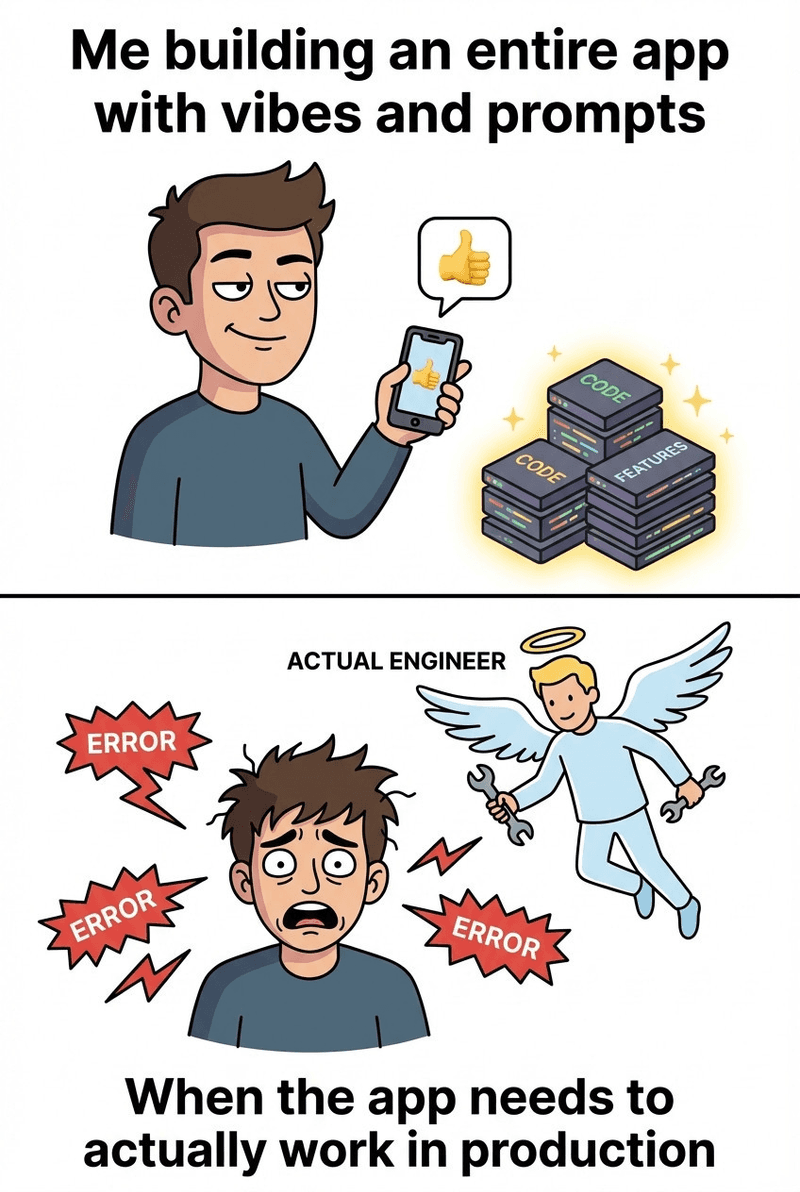
The rapid prototyping, the many (many) prompts and the not-so-much-of-an-expert member of your team that helped you put this thing together in a few days, well, it all led to a few things falling by the wayside.
That "lovely" piece of code that works (for now), needs to become production software. It needs to be secure, and it needs to be…well…. compliant.
Compliance may sound like a vibe-killer, but it isn't necessarily the enemy of speed—it's the enabler of trust. Trust that your software is secure, protects private information, and won't introduce vulnerabilities into your organization.
Help is here. Here's where your vibe coded app has likely dropped the ball on compliance, and what you can do about it.
The Compliance Gap: What Vibe Coding Leaves Out
Let's be honest about what's missing when you vibe-code your way to a working app.
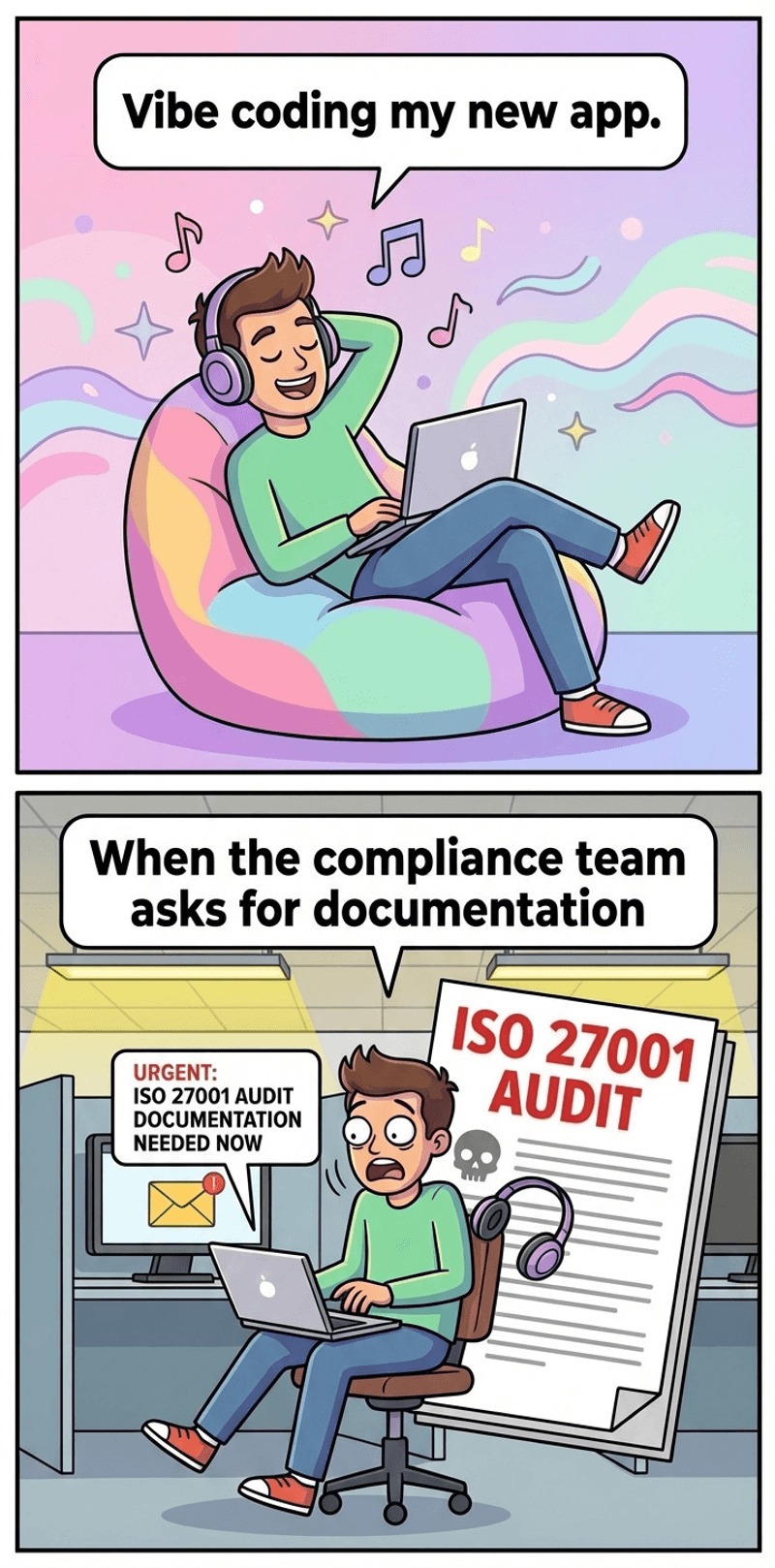
Documentation? What documentation? Your AI assistant didn't write a design document. It didn't explain why it chose that database structure or that authentication method. It just… did it. And you accepted it because it worked. Auditors are less impressed by "it works."
Traceability shouldn't be a mystery. In a compliant development process, you can trace a line from requirements to implementation to testing. In a vibe-coded app, the "requirements" were a series of prompts, the "implementation" was whatever the AI generated, and the "testing" was you clicking around until nothing broke.
Security is assumed, not verified. AI models are trained on a lot of code. Some of that code is great. Some of it has vulnerabilities that have been copied and pasted across the internet for years. When you vibe-code, you inherit whatever security assumptions came along for the ride.
Change control? We don't know her. You probably didn't version-control your prompts. You definitely didn't document why you switched from approach A to approach B at 11 PM on a Tuesday. The code exists. The history of how it got there? That's a choose-your-own-adventure novel with missing pages.
Here's the uncomfortable truth: auditors need paper trails. "It works on my machine" isn't a compliance strategy.
Which ISO Standards Should You Actually Care About?
Before we go further, let's demystify the alphabet soup. ISO standards aren't all relevant to every project. Here are the ones most likely to matter for your vibe-coded app:
ISO 27001:
Information Security Management This is the big one. If your app handles any kind of sensitive data (user information, business data, credentials), ISO 27001 is probably on your radar. It's about proving you have a systematic approach to keeping information secure.
ISO 27701:
Privacy Information Management Think of this as ISO 27001's privacy-focused sibling. If you're dealing with personal data and need to align with GDPR or similar regulations, this one's for you.
ISO 9001:
Quality Management Systems Less about security, more about consistent quality. Relevant if your app is customer-facing and needs to demonstrate reliable processes.
ISO 25010:
Software Product Quality A framework for evaluating software quality—reliability, performance, maintainability. Useful if you need to prove your app isn't held together with duct tape and good intentions.
For most vibe-coded apps transitioning to production, ISO 27001 is the standard that'll come up first. So that's where we'll focus.
Building the Bridge (Without Killing the Vibe)
Okay, enough doom and gloom. The good news is you likely don't have to throw everything out and start over. You can retrofit compliance onto your vibe-coded app. It takes some work, but it's doable.
Retroactive Documentation
Your code exists. Now you need to explain it—to auditors, to future developers, to yourself in six months when you've forgotten everything.
Start with the basics: what does this app do? What data does it handle? Where does that data go? You can use tools like dependency graph generators to visualize your app's architecture. Even a hand-drawn diagram is better than nothing.
Create a "prompt log" if you still have access to your conversation history with the AI. It's not formal requirements documentation, but it shows your thought process. It shows iteration. It shows that decisions were made, even if they were made at 2 AM while eating pizza.
Write decision records after the fact. A simple template: "We chose X because Y. We considered Z but rejected it because W." Even if you're reconstructing these from memory, it's better than silence.
Security Hardening
Your AI-generated code needs a security checkup. The good news is you don't have to do this manually.
Run static analysis (SAST) tools on your codebase. Tools like Semgrep, SonarQube, or Snyk can identify common vulnerabilities automatically. Fix what they find. Document what you fixed and why.
Audit your dependencies. Your app probably has more packages than you realize. Generate a Software Bill of Materials (SBOM) so you know exactly what's in there. Check those dependencies for known vulnerabilities. Update the risky ones.
Do some basic threat modeling. It doesn't have to be elaborate. Ask yourself: What could go wrong? What data could be exposed? What would a malicious user try to do? Write down your answers and what you've done to address them.
Establishing Traceability
You need to draw lines between what the app does, why it does it, and how you know it works.
Map your original prompts (or reconstructed requirements) to features in the app. Then map those features to tests that prove they work. This doesn't have to be a fancy system—a spreadsheet works fine.
Introduce lightweight ticketing, even if it's just for yourself. Every change from now on gets a ticket. The ticket explains what's changing and why. This gives you an audit trail going forward.
Clean up your version control. Meaningful commit messages. Branches for features. No more commits that just say "stuff." Your git history should tell a story, not read like a mystery novel.
Quality Gates That Don't Slow You Down
Compliance isn't about slowing you down—it's about catching problems before they become expensive. Automation is your friend here.
Set up a CI/CD pipeline if you don't have one. Make it run your tests automatically. Make it run your security scans automatically. If something fails, the deployment stops. This protects you from yourself.
Establish minimum test coverage. You don't need 100% coverage. But you need enough that you'd notice if something critical broke.
Add pre-commit hooks that catch obvious issues before they even get to the repository. Linting, formatting, basic security checks. Small friction that prevents big headaches.
Your ISO 27001 Compliance Checklist
Here's a practical checklist to see where you stand. Be honest with yourself—checking a box doesn't mean you're compliant, it means you can demonstrate compliance if asked.
Asset Inventory
[ ] You know what components your app contains (services, databases, APIs)
[ ] You've documented what data the app handles and where it's stored
[ ] You've inventoried third-party dependencies and integrations
Access Controls
[ ] Only authorized people can access production systems
[ ] You have a process for granting and revoking access
[ ] Administrative access is logged and auditable
[ ] You're using role-based access, not "everyone is admin"
Data Protection
[ ] Sensitive data is encrypted at rest and in transit
[ ] You know where personal data lives and how long you keep it
[ ] There's a process for handling data subject requests (if applicable)
[ ] Backups exist and have been tested
Incident Response
[ ] You have a plan for what to do when something goes wrong
[ ] Someone is responsible for security incidents
[ ] There's a way to detect if something has gone wrong
[ ] You've documented how you'd communicate about a breach
Risk Assessment
[ ] You've identified what could go wrong with your app
[ ] You've assessed the likelihood and impact of those risks
[ ] You have mitigations in place for the highest risks
[ ] You review and update this periodically
Development Practices
[ ] You can explain how code gets from idea to production
[ ] Changes are reviewed before deployment
[ ] There's version control with meaningful history
[ ] You have environments for testing before production
Third-Party Risk
[ ] You know what external services your app depends on
[ ] You've reviewed the security posture of critical vendors
[ ] You have a plan if a key vendor has an outage or breach
When to Stop Vibing and Start Engineering
Here's the real talk: vibe coding is a tool for certain situations. It's not a permanent mode of operation for serious software.
Signs your project has outgrown vibe coding:
- Real users depend on it daily
- Money is flowing through it
- It handles sensitive or regulated data
- Your team is growing beyond just you
- A failure would have serious consequences
At this point, it's time to pivot. That doesn't mean throwing away what you've built. It means treating what you've built as a prototype and intentionally engineering the production version. (We can help with that.)
The Bottom Line
And hey—there's a competitive advantage to being fast AND certified. Your competitors who are still vibing their way through production incidents would probably agree.
Feeling a bit lost with compliance? We're well versed in ISO and other compliance big-wigs.